
We review your registration first
After you register, your account stays pending while a PropOS reviewer checks the practitioner PPRA result and returned FFC details. For an agency, they also check the firm result and company registration.
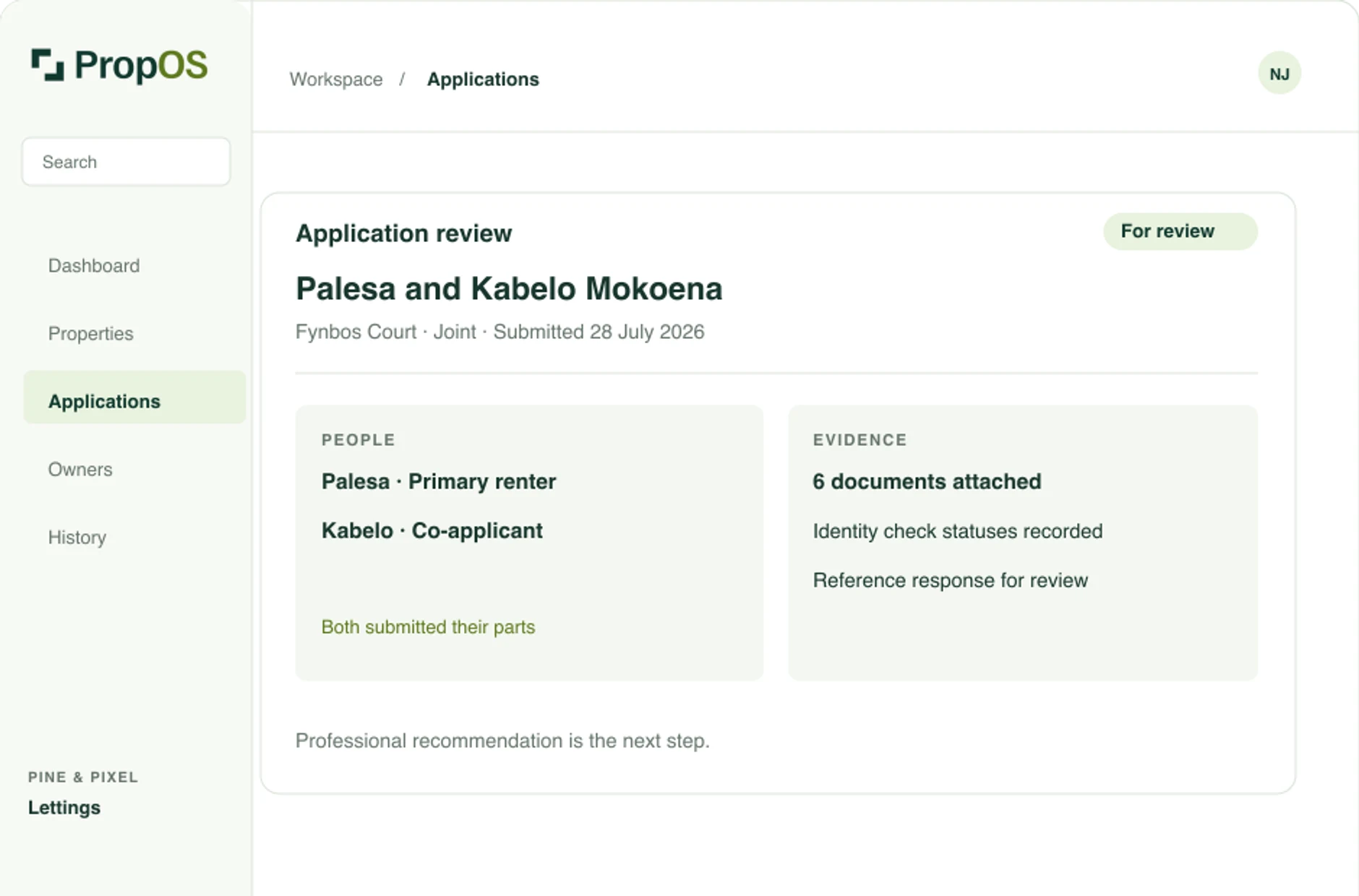
See who has supplied what, what still needs attention and what the owner will receive.
After you register, your account stays pending while a PropOS reviewer checks the practitioner PPRA result and returned FFC details. For an agency, they also check the firm result and company registration.
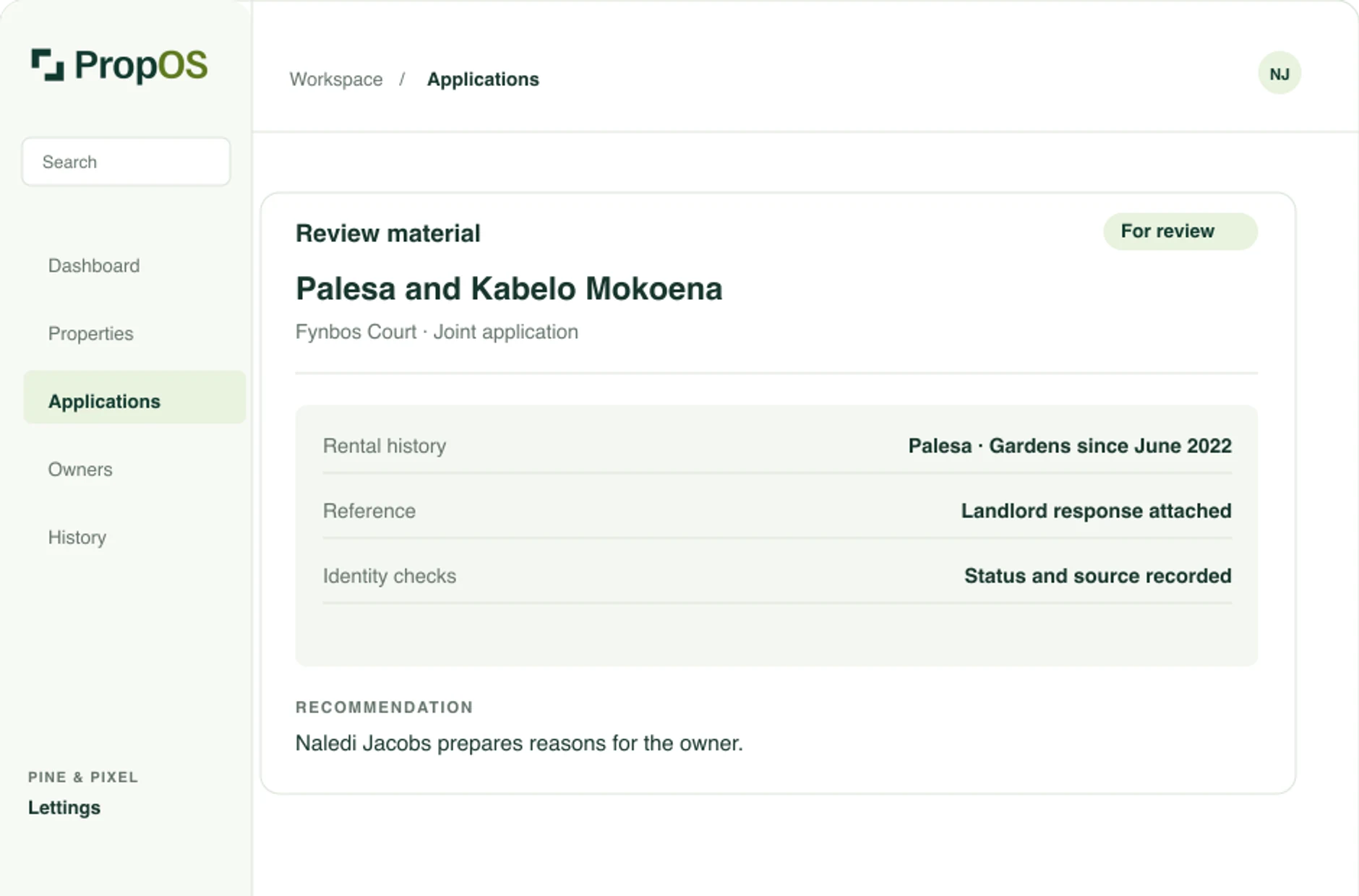
Check identity and document statuses beside the submitted details. Company status, finances, references and activity are there for your review too.
Share it with the supporting application, then record the owner’s response.
Start at the property to see which applications are under way. Open one to see what each participant still owes before submission. When it is ready for review, read the submitted details, check statuses, finances, references and activity before preparing your recommendation. The history shows who changed the stage, when the owner received the application and how they responded.
The platform fee is due only after a lease is executed from an application started through PropOS. Reviewing an application does not make the fee payable.
Add the property, share its application link and review what comes back.