Follow the application instead of reconstructing it.

From property setup to recorded decision, follow who supplied each document, which checks were returned and how the owner responded.

The PropOS journey from opening a property for applications to recording the owner’s response.

One application can involve several people without becoming several files.

An individual renter completes their own requirements. A joint application keeps each renter’s documents, declarations and signatures with the same submission. A company application separates company requirements from the directors or authorised signatories responsible for them.

The submitted version stays put.

Before submission, readiness shows what each participant still needs to finish. Once submitted, the application becomes the record under review; later profile changes do not rewrite it. The property professional prepares the recommendation from that record, and the owner’s response is added to its history.

01 / Properties

Set up the property and open it for applications.

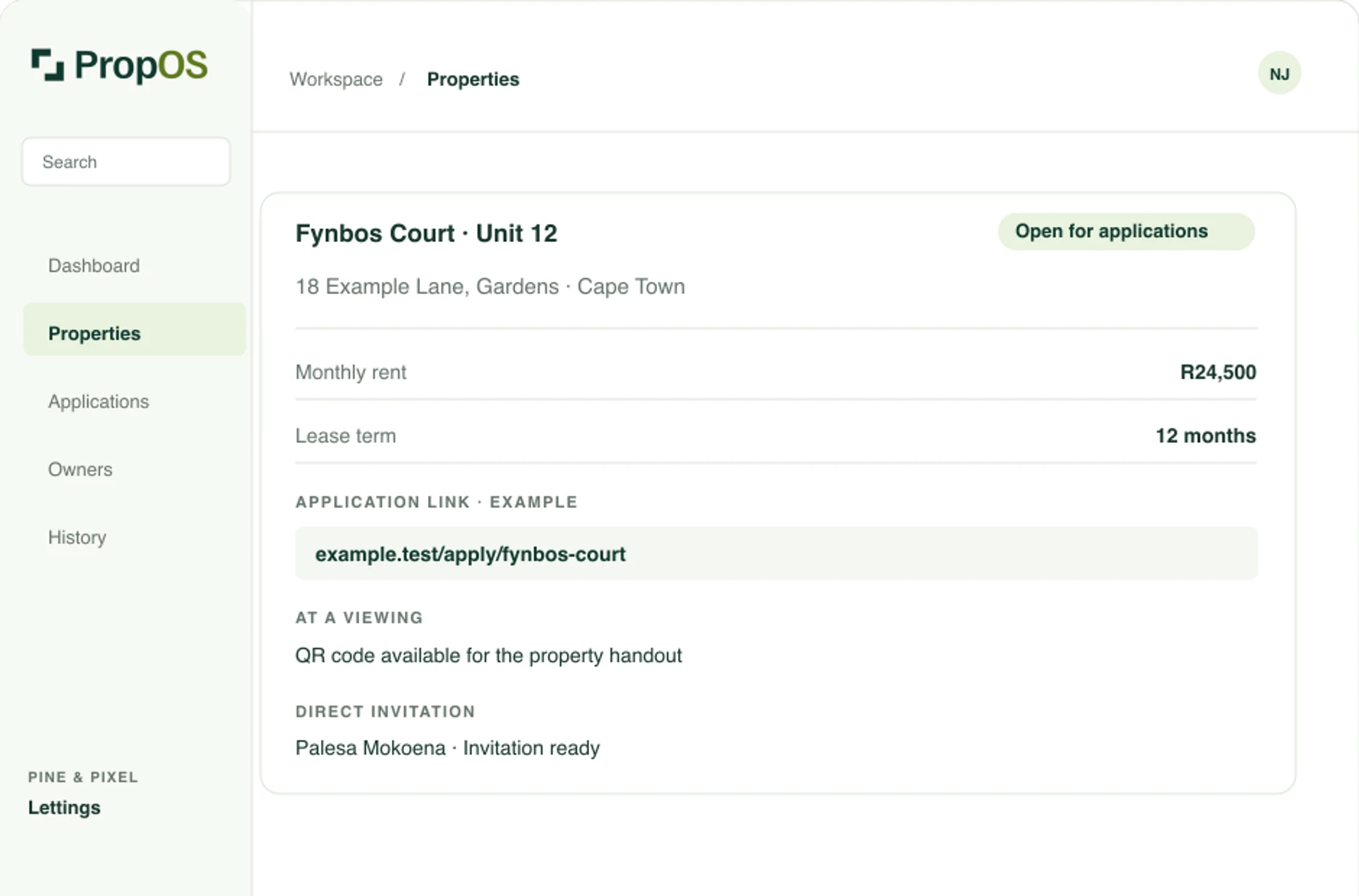
Add the property, connect its owner, then share the application link, QR code or direct invitation.

PropOS property page showing the application link, QR code and invitation controls for Fynbos Court.

02 / Applications

Let each participant finish their part.

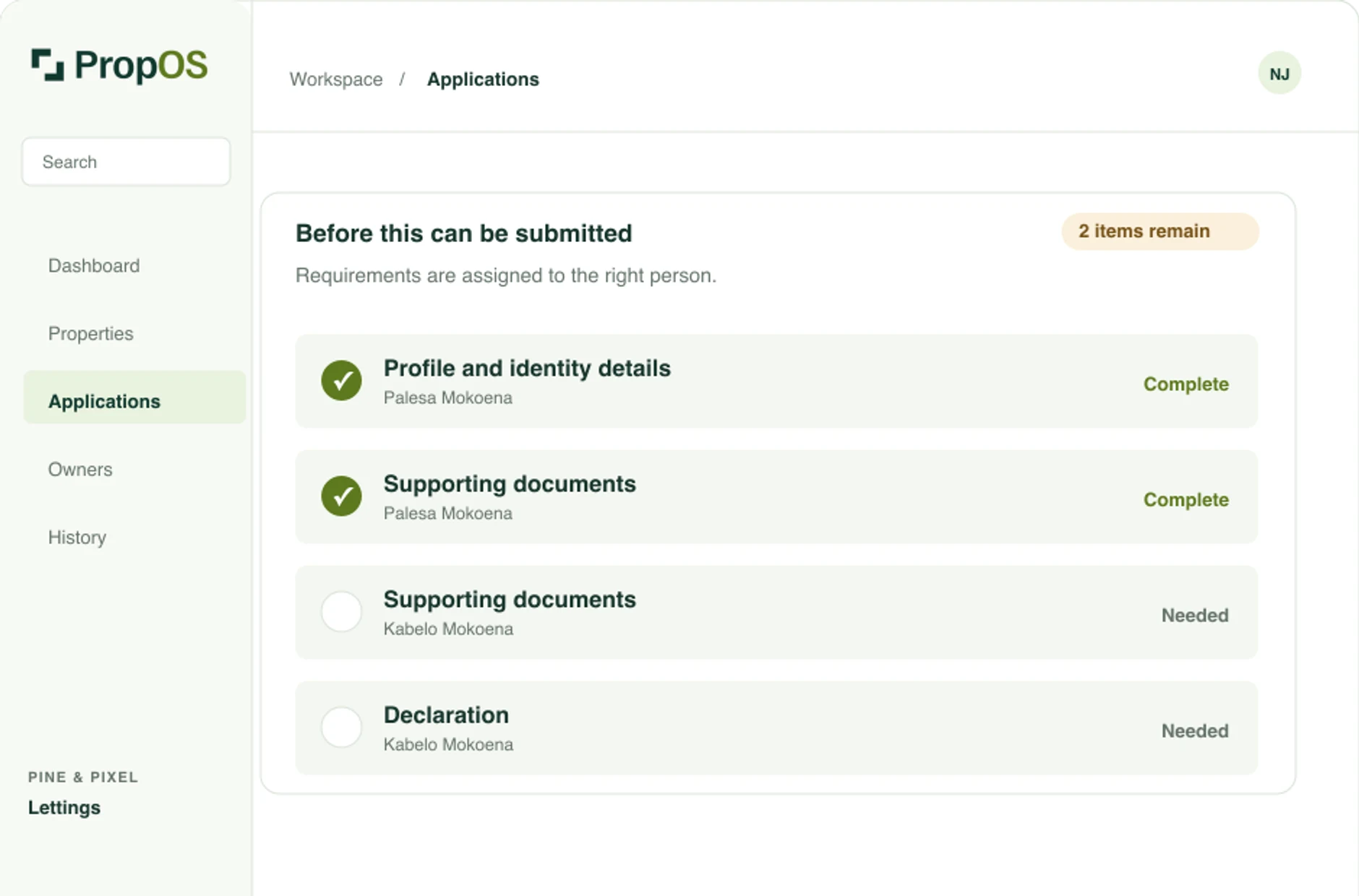
Individual renters, joint applicants and company participants can see what they need to complete.

PropOS joint application showing completed requirements for Palesa and Kabelo Mokoena.

03 / Review

Prepare the application for the owner’s decision.

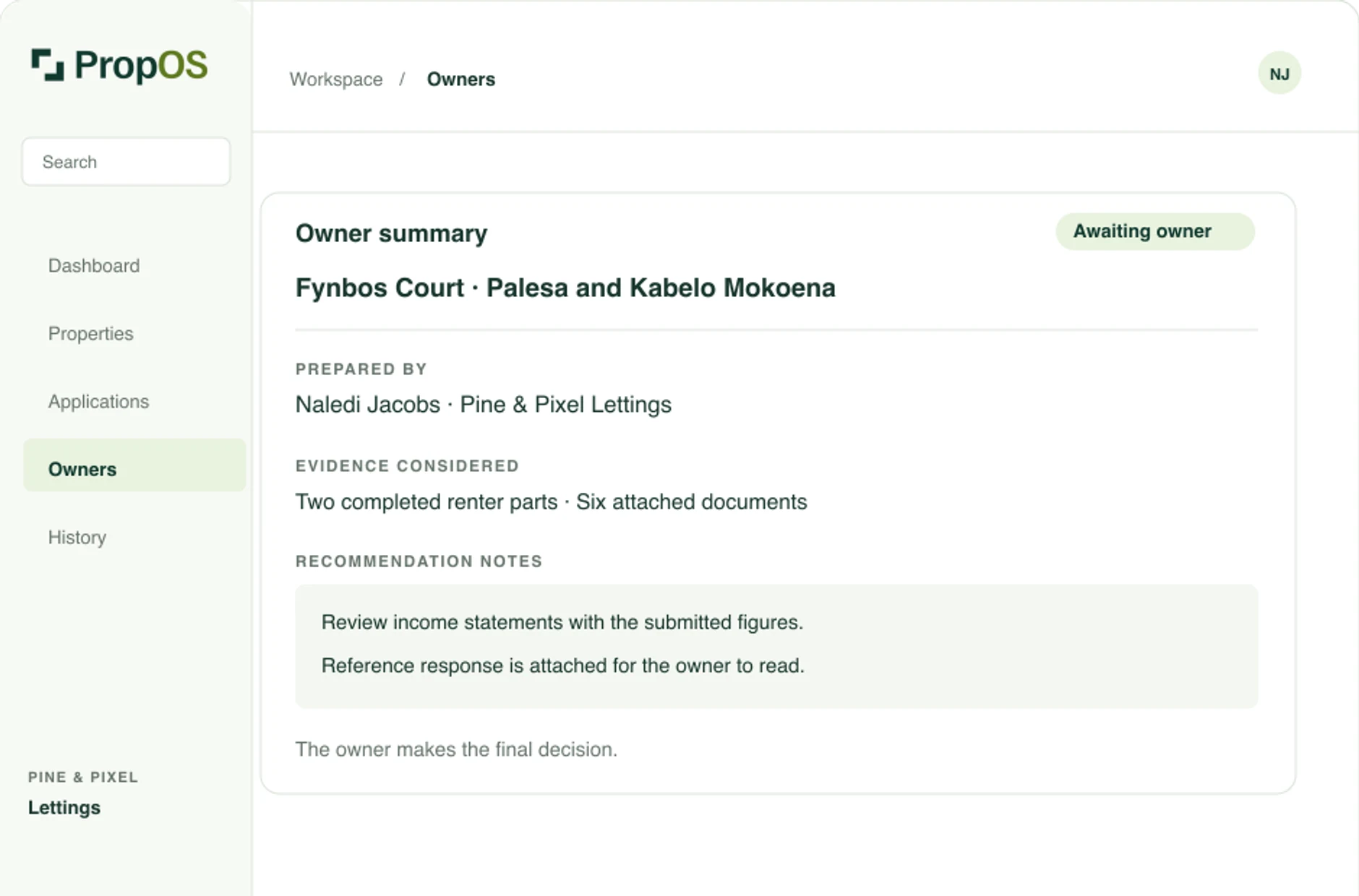
Read the checks, finances and references, prepare your recommendation and record the owner’s response.

PropOS owner review showing the application summary, recommendation and decision actions.

First chapter

Start with the property

Create the property, connect its owner and choose how prospective renters can apply.